


Effective Identity Management Solutions have become paramount in today’s interconnected world, where individuals interact with various online platforms and services.
Identity management solutions refer to the processes, technologies, and policies implemented to ensure secure and appropriate access to digital resources while protecting the privacy of individuals.
The management of user authentication has evolved significantly over time. In the past, organizations only needed to consider a single local password for each user.
However, with the rise of cloud services and the recent shift to remote work due to the pandemic, the importance of securely managing identity and authentication has grown exponentially.
Businesses now rely on many third-party cloud services, making the process more complex. Ensuring user authentication’s security and proper management has become crucial in this modern landscape.
As more businesses have shifted to remote work, they increasingly rely on third-party cloud services to meet their software needs. This shift offers cost savings and eliminates local management challenges through a software-as-a-service (SaaS) model.
What is Identity Management Solutions?
Identity management solutions, commonly called Identity and Access Management (IAM) solutions, are software programs that assist businesses in managing and securing user identities and their access to various resources in an IT environment.
Organizations can manage user authentication, authorization, and permissions across systems, apps, and data with the help of these technologies.
Benefits of Identity Management Services
The IT environment of a business uses identity management software to efficiently manage and secure user identities and their access to diverse resources.
It streamlines user management procedures, boosts security, and ensures that regulations are followed. It makes compliance audits easier, lowers compliance risks, and assists in avoiding fines and reputational harm.
The software enables enterprises to cut administrative costs and boost operational effectiveness by streamlining user provisioning, de-provisioning, and self-service capabilities.
It implements strict access controls, multi-factor authentication, and strong password policies to reduce the risk of data breaches and unauthorized access.
By enforcing access rules, keeping audit logs, and offering extensive reporting options, identity management software also helps firms comply with regulatory requirements.
Functionalities of Identity Management Solutions
- User Provisioning and Lifecycle Management: Identity management tools make it easier to create, manage, and deactivate user accounts at various stages of their existence.
- Single Sign-On (SSO): SSO enables users to authenticate just once to have a choice of programs and servers without having to log in again.
- Multi-Factor Authentication (MFA): By forcing users to give several types of authentication, such as a password, a biometric scan, or a one-time password, MFA adds an extra layer of security.
- Role-Based Access Control (RBAC): RBAC enables businesses to assign rights and access privileges based on user roles and responsibilities.
- Audit and Compliance: Identity management solutions offer logging and reporting features that allow users to keep track of their activities, access requests, and authorization modifications.
- Self-Service Portals: Self-service portals are frequently a part of identity management services, allowing users to manage their own accounts, reset passwords, seek access permissions, and update personal data.
- Integration Capabilities: Directory services (such as LDAP and Active Directory), cloud services, and business applications are just a few of Identity Management software’s systems and programs interface with.
How to Choose the Best Identity Management Software
Here are some key steps to help you to pick the best Identity Management Software.
- Establish your precise needs, including the number of users, resources to handle, compliance requirements, and system integration.
- Look for identity management software for strong security features, such as multi-factor authentication, encryption, and strict access limits.
- Choose a system that can expand with your organization and change with changing needs.
- Search for software that offers self-service options and a user-friendly interface.
- Think about how the Identity Management Software will integrate with your current systems, programs, and directories (such as LDAP or Active Directory).
- Check out the software vendor’s reputation and performance history.
- Analyze the total cost of ownership, considering the costs associated with license, installation, and continuing maintenance.
- Request demos or trial copies to assess the nominated identity management software’s functionality, usability, and applicability for your organization’s needs. Check its integration, scalability, and performance characteristics.
Features of Identity Management Services
| Best Identity Management solutions | Features |
|---|---|
| 1. OneIdentity | 1. Unified Identity Management 2. Privileged Access Management (PAM) 3. Identity Governance and Administration (IGA) 4. Active Directory (AD) Management and Security 5. Secure Access and Authentication |
| 2. Okta | 1. Identity Management 2. Single Sign-On (SSO) 3. Multi-Factor Authentication (MFA) 4. Lifecycle Management 5. Integration Capability |
| 3. Microsoft Azure Active Directory (Azure AD) | 1. Comprehensive Identity Management 2. Conditional Access Policies 3. Seamless Integration 4. Self-Service Password Reset 5. Security Reports and Monitoring |
| 4. Ping Identity | 1. Identity and Access Management 2. Identity Federation 3. Customizable Authentication Flows 4. API Security 5. Directory Integration |
| 5. SailPoint | 1. Policy Management 2. Automated Provisioning 3. Role Management 4. Risk Detection 5. Self-Service Access Requests |
| 6. ForgeRock | 1. Full Identity Lifecycle Management 2. Social Identity Integration 3. Adaptive Authentication 4. Rich Identity APIs 5. User Self-Service |
| 7. IBM Security Identity Manager | 1. Automated Identity Management 2. Role-Based Access Control (RBAC) 3. Integration with Existing Systems 4. Advanced Reporting and Auditing 5. Workflow Orchestration |
| 8. RSA SecurID | 1. Risk-Based Authentication 2. Mobile Authentication 3. Hardware and Software Tokens 4. Identity Assurance 5. Broad Integration |
| 9. CyberArk Identity Security | 1.Privileged Access Management 2.Threat Detection and Response 3.Secure Remote Access 4.Credential Vaulting 5.Session Isolation |
| 10. Centrify Identity Services | 1. Unified Identity Management 2. Audit and Compliance Reporting 3. Privileged Access Management 4. Hybrid Environment Support 5. Role-Based Access Control (RBAC) |
| 11. SecureAuth | 1. Fraud Prevention 2. User Self-Service 3. Customizable Security Policies 4. User Provisioning 5. Identity Governance |
| 12. Auth0 | 1. Social Login Integration 2. Universal Login 3. Extensive API Support 4. Identity Federation 5. Social Login Integration |
| 13. Oracle Identity Manager | 1. Integration Flexibility 2. Workflow Customization 3. Self-Service Capabilities 4. Compliance Management 5. Self-Service User Portal |
| 14. NetIQ Identity Manager | 1. Automated Identity Synchronization 2. Identity Provisioning 3. Workflow-Driven Provisioning 4. Self-Service Portal 5. Integration with Diverse Systems |
| 15. Saviynt | 1. Cloud-Native Identity Governance 2. Integrated Risk Management 3. Data Access Governance 4. Advanced Analytics and Intelligence 5. Application Access Governance |
15 Best Identity Management Solutions 2025
- OneIdentity
- Okta
- Microsoft Azure Active Directory (Azure AD)
- Ping Identity
- SailPoint
- ForgeRock
- IBM Security Identity Manager
- RSA SecurID
- CyberArk Identity Security
- Centrify Identity Services
- SecureAuth
- Auth0
- Oracle Identity Manager
- NetIQ Identity Manager
- Saviynt
1. OneIdentity

One Identity is a leader in identity and access management (IAM), offering a complete solution by combining its own expertise with the access management capabilities of OneLogin.
This creates a unified platform that covers identity governance, privileged access, and Active Directory management.
Key Offerings
- Identity Governance & Administration (IGA): With One Identity Manager, organizations can govern user identities, enforce access controls, and maintain compliance across both on-premise and cloud environments.
- Access Management: OneLogin provides unified access management, including single sign-on (SSO) and multi-factor authentication (MFA), to give users seamless and secure access to applications.
- Privileged Access Management (PAM): The One Identity Safeguard suite secures privileged accounts and sessions, using a zero-trust model to reduce the risk of breaches.
- Active Directory Management: One Identity Active Roles simplifies the management of hybrid AD environments, including Entra ID (Azure AD), with a single console and automation.
Features
- Unified Access Management: OneLogin’s unified SSO allows users to log in once and access multiple applications with a single set of credentials.
- Context-Aware MFA: OneLogin’s SmartFactor Authentication adjusts security measures based on user behavior and context.
- Automated Provisioning: Both OneLogin and One Identity Manager automate user onboarding and offboarding.
- Policy-Driven Security: One Identity solutions use security policies and role-based access control (RBAC) to enforce the principle of least privilege.
- Scalable & Integrated: The solutions are modular and scalable, connecting user data across various systems, from Active Directory to cloud applications.
Pros & Cons
| Pros | Cons |
| Comprehensive & Integrated Suite: A modular approach provides a unified, end-to-end IAM solution. | Complexity: The comprehensive nature of the suite can have a learning curve. |
| Automation: The solutions offer advanced automation, reducing manual effort and errors. | Functionality Gaps: Some features may not perfectly fit all organizational needs. |
| Hybrid & Cloud-Ready: Manages identities and access across on-premise, hybrid, and cloud environments. |
OneIdentity – Trial /Demo
2. Okta

Okta is a well-established identity management (IDM) leader, offering a comprehensive and reliable platform. It stands out from its competitors due to its exceptional flexibility in terms of policies and automation.
With Okta, businesses can customize and configure policies according to their specific needs. Additionally, Okta maintains competitive pricing, ensuring businesses can access its advanced IDM capabilities without breaking the bank.
Okta offers flexible automation capabilities through workflows, allowing organizations to streamline and automate various identity management processes, reducing manual effort and enhancing operational efficiency.
Features
- Okta allows users to use a single credential set to access multiple applications and services.
- It supports multi-factor authentication, which adds a degree of protection in addition to passwords.
- Okta’s adaptive authentication function evaluates each login attempt’s risk depending on user location, device, network, and behavior.
- Universal Directory serves as a store for user profiles and identity data.
Pros and Cons
| Pros | Cons |
|---|---|
| Multiple options are available for managing application assignments | Contract minimums can make Okta a challenging option for small businesses |
| Configurable behavior detection | The pricing structure of Okta may not be more suitable for small organizations |
| Easy integration with Mobile Device Management (MDM) |
Okta – Trial / Demo
3. Microsoft Azure Active Directory (Azure AD)
.webp)
Microsoft Azure Active Directory (Azure AD) is a leading identity management solution offered by Microsoft, leveraging its position as the largest company in the SaaS industry.
Designed to integrate with Microsoft software products seamlessly, Azure AD provides robust identity management capabilities.
Key features include password synchronization, customizable single sign-on (SSO) portals for each user, authentication for on-premises applications, and more.
Microsoft Azure Active Directory integrates smoothly with MDM suites, allowing organizations to effectively manage and secure mobile devices within their identity management framework.
Azure AD simplifies creating and managing group settings, enabling administrators to efficiently organize and control user access and permissions within defined groups.
Features
- Users may sign in once and have access to diverse applications and resources across the Azure ecosystem, as well as other integrated cloud and on-premises applications, using Azure AD.
- It enables enterprises to require additional authentication elements beyond passwords, such as SMS codes, phone calls, mobile app notifications, or biometrics
- MFA is used for robust authentication in Azure AD.
- It enables enterprises to require additional authentication elements beyond passwords, such as SMS codes, phone calls, mobile app notifications, or biometrics.
Pros & Cons
| Pros | Cons |
|---|---|
| Integration with mobile device management (MDM) suites | Complexity for non-Microsoft environments |
| Company branding on the login and logout page | Potential dependency on the Microsoft ecosystem |
| Easy creation and management of group settings |
Microsoft Azure Active Directory (Azure AD) – Trial / Demo
4. Ping Identity

Ping One, as a standalone identity management (IDM) solution, may not be considered a top-ranking option in the market.
However, its competitiveness significantly improves when combined with other Ping products such as PingFederate, PingID, and PingCentral.
Ping Identity’s solutions enable businesses to manage user authentication, single sign-on (SSO), multi-factor authentication (MFA), and other identity-related capabilities.
Ping Identity offers robust features and functionalities that compete with some of the best identity and access management (IDM) solutions.
When used with other products in Ping Identity’s catalog, their solutions become highly extensible, allowing organizations to tailor the IAM system to their specific needs and integrate it seamlessly with their IT infrastructure.
Features
- Ping Identity allows users to utilize a single set of credentials to access numerous applications and services.
- Ping Identity enables multi-factor authentication (MFA) to offer an extra degree of protection during authentication.
- The adaptive authentication function of Ping Identity evaluates the risk associated with each login attempt based on contextual parameters
- such as user behavior, location, device, and network. Ping Identity streamlines user onboarding, offboarding, and management.
Pros & Cons
| Pros | Cons |
|---|---|
| Comparable to leading IDM solutions | Confusing product catalog |
| High extensibility | Missing key features without bundling |
Ping Identity – Trial / Demo
5. SailPoint

SailPoint is a robust identity management software that provides visibility into user activity and associated risks, enabling administrators to take timely action.
It facilitates the connection of individuals, data, applications, and devices, creating an identity-enabled organization. The platform supports both on-premise and cloud deployment options.
It analyzes and secures unstructured data, helping users address identity and access management challenges.
Key features of identity management services include access request and account management, multi-factor authentication, single sign-on, user activity monitoring, and provisioning.
SailPoint offers robust visibility into user activity and associated risks, enabling organizations to proactively identify and address security concerns.
The platform connects individuals, data, applications, and devices, facilitating an identity-driven organizational management and security approach.
Features
- SailPoint’s identity governance capabilities enable enterprises to manage user identities, roles, entitlements, and access controls.
- SailPoint provides full identity lifecycle management capabilities, from user onboarding through user offboarding.
- Users can request resource access using self-service portals in SailPoint.
Pros & Cons
| Pros | Cons |
|---|---|
| Enhanced visibility and risk management | Pricing complexity |
| Identity-enabled organization | Potential customization needs |
| Flexible deployment options |
SailPoint – Trial / Demo
6. ForgeRock

The ForgeRock Identity Management Solutions platform is a highly customizable information management tool known for seamlessly integrating with existing business systems.
It offers additional functionalities through modular extensions. It supports various authentication products and federation protocols, providing flexibility.
The platform is scalable, making it suitable for growing businesses, and it can easily add nodes during runtime without disrupting the environment.
The vendor offers excellent support, promptly addressing patches and bug fixes. Pricing details for the ForgeRock Identity Platform are not publicly disclosed.
Features
- ForgeRock provides a robust authentication framework that supports a wide range of authentication techniques such as passwords, biometrics, multi-factor authentication (MFA), and adaptive authentication.
- Organizations can utilize ForgeRock to manage the entire identity lifecycle, including user provisioning, self-service registration, and de-provisioning.
- Users can manage their own IDs, passwords, and profile information with ForgeRock’s self-service features.
- ForgeRock provides fine-grained access control capabilities that allow access regulations to be enforced depending on user attributes, roles, and contextual factors.
Pros & Cons
| Pros | Cons |
|---|---|
| Comprehensive identity and access management platform | It has a learning curve due to comprehensive features |
| AI-driven identity lifecycle management | Integration with certain third-party systems is limited |
| Promises significant cost savings and ROI | Specific pricing details may not be readily available or transparent |
| Passwordless authentication capabilities |
ForgeRock – Trial / Demo
7. IBM Security Identity Manager

IBM offers Cloud Identity Service, a cloud-based identity and access management solution that includes multi-factor authentication, single sign-on (SSO), and user lifecycle management.
The service is delivered in a multi-tenant model, with the option for dedicated components. IBM’s products provide extensive functionality and seamless integration with other complementary solutions.
The IBM Security Identity Governance (ISIG) platform provides comprehensive user lifecycle management, identity analytics, and password synchronization.
Being a cloud-based solution, IBM’s Cloud Identity Service offers flexibility, scalability, and ease of implementation, allowing organizations to leverage the benefits of cloud computing.
With other IBM and third-party solutions, IBM has robust connectivity and integration capabilities, enabling organizations to build a holistic and interconnected security ecosystem.
Features
- ISIM provides full user lifecycle management features, including user provisioning, de-provisioning, and self-service.
- It supports RBAC, which enables enterprises to set roles and permissions based on job duties.
- It streamlines the process of allowing user access to resources by facilitating access requests and approval workflows.
- It features self-service password management capabilities, allowing users to reset passwords and unlock accounts without requiring IT help.
Pros & Cons
| Pros | Cons |
|---|---|
| Cloud-based deployment | It takes more time to Learn |
| Deep integration with complementary products | Cost considerations |
IBM Security Identity Manager – Trial / Demo
8. RSA SecurID

RSA SecurID is a two-factor authentication identity management platform known for supporting multiple operating systems. It seamlessly integrates with LDAP servers like Active Directory, simplifying adding existing users to the system.
The platform offers various hardware and software tokens for different platforms, generating single-use codes every 60 seconds for enhanced security.
RSA SecurID leverages technologies like push notifications, one-time passwords (OTPs), and biometrics to strengthen network security, analytics, and user information protection.
RSA SecurID provides strong two-factor authentication capabilities, adding an extra layer of security to protect user accounts and sensitive information.
Features
- RSA SecurID employs a two-factor authentication system that requires users to present two forms of identification in order to get access to protected resources.
- RSA SecurID uses tokens to generate time-based or event-based one-time passwords (OTP).
- It provides a variety of robust authentication techniques, including biometrics (such as fingerprint or facial recognition) and smart cards, in addition to regular passwords.
- It has adaptive authentication features that evaluate the risk of each authentication attempt.
Pros & Cons
| Pros | Cons |
|---|---|
| Robust two-factor authentication | The implementation and maintenance costs are high |
| Support for multiple operating systems | Potential hardware dependency |
| Integration with LDAP servers |
RSA SecurID – Trial / Demo
9. CyberArk Identity Security

CyberArk adopts an identity-centric approach to security strategy and provides a comprehensive portfolio of tools encompassing identity management, privileged access, secrets management, endpoint privilege security, cloud privilege security, and workforce and customer access.
The inclusion of behavior analytics establishes a baseline for user behavior and enables the system to generate alerts and trigger access changes when anomalous activities are detected.
CyberArk provides a powerful and user-friendly tool for organizations seeking to incorporate privileged access and secrets management into their security infrastructure.
CyberArk offers its tools self-hosting options, allowing organizations greater control over their security environment
Features
- CyberArk Identity Management Solutions specializes in privileged account and access management.
- The system enables privileged account lifecycle management, including onboarding, provisioning, de-provisioning, and rotation.
- JIT access capabilities are included in CyberArk Identity Security, allowing for temporary and time-bound access to privileged accounts:
- The system includes session management capabilities for monitoring and recording privileged user sessions.
Pros & Cons
| Pros | Cons |
|---|---|
| Easy addition of privileged and secrets management | Opaque pricing and licensing |
| Self-hosting options | Limited benefit for organizations needing only IAM features |
CyberArk Identity Security – Trial / Demo
10. Centrify Identity Services

Centrify is a feature-rich identity management tool suitable for businesses with a dedicated IT team. The tool offers advanced options that require expertise to implement correctly.
The Workflow feature enables easy setup of roles for employees, granting access based on predefined permissions. Centrify Users and Roles provide flexibility in assigning access levels.
However, the script feature requires coding knowledge and system understanding, making it easier to implement with the proper expertise.
Therefore, having an IT team is highly recommended for managing and customizing Centrify effectively. Centrify offers robust SSO capabilities, allowing users to access multiple applications and systems with single credentials.
Features
- Centrify Identity Services supports seamless SSO, allowing users to access numerous apps and systems with a single set of credentials.
- Adaptive MFA is supported by the solution to add extra protection during user authentication.
- To add an extra degree of security during user authentication, the system enables adaptive MFA:
- The system provides identity lifecycle management capabilities such as user provisioning, de-provisioning, and self-service.
Pros & Cons
| Pros | Cons |
|---|---|
| Comprehensive and unique single sign-on (SSO) support | Complexity for non-technical users |
| Integration with social networks for quick user identity information |
Centrify Identity Services – Trial / Demo
11. SecureAuth
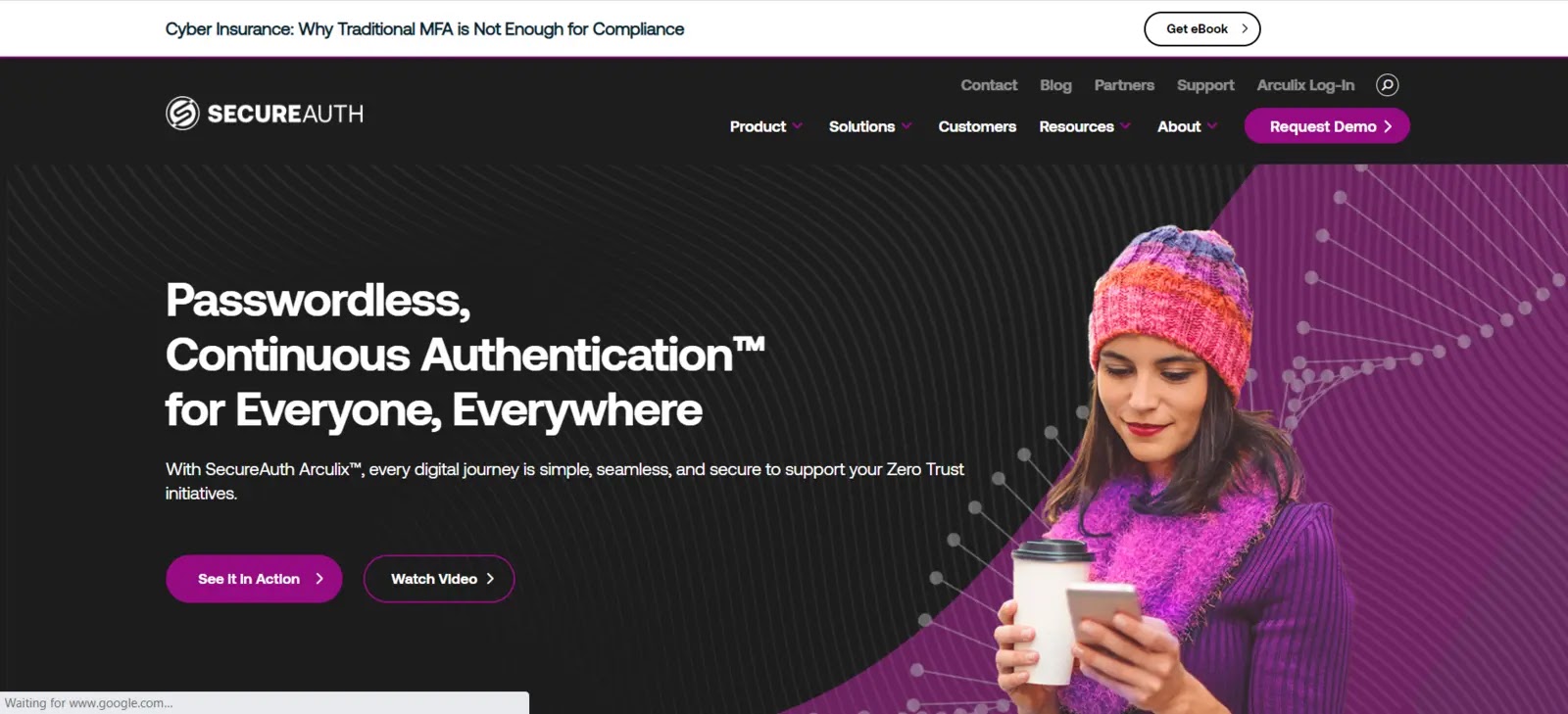
SecureAuth is an enterprise Identity and Access Management (IAM) solution offering comprehensive features to enhance identity security within organizations.
While it provides a wide range of capabilities, it also presents the typical tradeoffs between in-depth features and a complex interface that are common in the IAM space.
SecureAuth provides authentication policies encompassing the essential elements for identity security. However, SecureAuth addresses the essential requirements for businesses’ identity security needs.
It enables organizations to implement various security measures, such as multi-factor authentication (MFA), single sign-on (SSO), and identity governance.
By providing these features, SecureAuth helps businesses bolster their identity security framework and protect sensitive information.
Features
- SecureAuth provides adaptive authentication capabilities that use contextual elements and risk-based analysis to decide the amount of authentication necessary.
- SecureAuth offers strong MFA options to add an additional layer of protection to user authentication.
- SecureAuth provides SSO capabilities, allowing users to log in to different apps and systems with a single set of credentials.
- SecureAuth includes risk-based access control features that allow it to evaluate user access requests in real time.
Pros & Cons
| Pros | Cons |
|---|---|
| Authentication policies cover key components | Maturing new admin console |
| Simplified interface with deeper detail | Logging for cloud-based deployments |
SecureAuth – Trial / Demo
12. Auth0
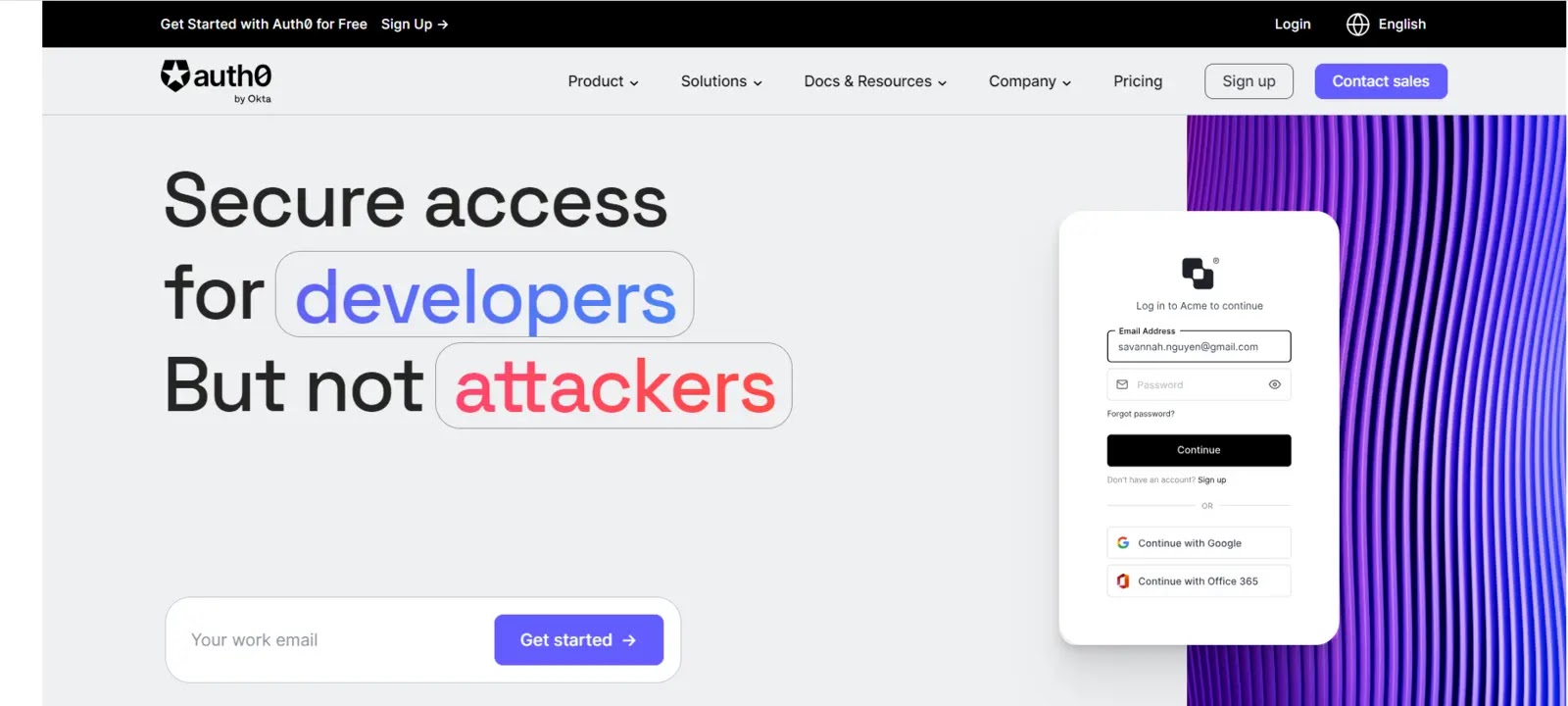
Auth0 is often referred to as the “DIY” (Do-It-Yourself) option in the identity management (IDM) space. It offers extensive customization and flexibility but requires a substantial skill set and time investment to leverage its capabilities thoroughly.
However, the result is a solution tailored precisely to meet your business needs, surpassing what can be achieved with pre-built options from other vendors.
Auth0 empowers organizations to build and configure an IDM solution from the ground up, offering unparalleled customization and control.
Features
- Organizations can utilize Auth0 to create SSO functionality, allowing users to log in once and access numerous applications and services without re-entering their credentials.
- Auth0 interacts with popular social identity providers such as Google, Facebook, Twitter, and LinkedIn, allowing users to utilize their existing social media identities to authenticate.
- Auth0 provides comprehensive SSO capabilities, allowing users to authenticate once and effortlessly access various applications.
- To add extra protection to user authentication, Auth0 offers customizable MFA options.
Pros & Cons
| Pros | Cons |
|---|---|
| Auth0 provides a customizable DevOps-focused toolset | less user-friendly or lacking features than other IDM solutions. |
| Easy integration with third-party identity extensions | Weak integrations |
Auth0 – Trial / Demo
13. Oracle Identity Manager

Oracle’s Cloud Infrastructure Identity and Access Management (IAM) and Access Governance tools offer comprehensive management of identity and access controls across diverse cloud and on-premises applications and devices.
These tools provide context-aware access capabilities that integrate seamlessly with various applications, servers, and systems, including custom applications.
By leveraging these solutions, organizations can effectively govern user access, enforce security policies, and ensure secure and authorized interactions with their digital resources.
The tool facilitates the implementation of a Zero Trust security approach by establishing an identity-based perimeter.
Features
- It provides comprehensive SSO capabilities, allowing users to authenticate once and effortlessly access various applications.
- It offers a variety of MFA alternatives to provide an additional degree of protection to user authentication.
- It has user administration tools that enable enterprises to manage user identities, profiles, and attributes:
- It connects with key social identity providers including Google, Facebook, Twitter, and LinkedIn, enabling users to sign in using their existing social media identities.
Pros & Cons
| Pros | Cons |
|---|---|
| Simplified app provisioning | Complex architecture |
| Identity-based Perimeter for Zero Trust | Limited third-party integration support |
| Customer-oriented Identity Management Solutions | Complex and confusing pricing |
| Integration with social media platforms |
Oracle Identity Manager – Trial / Demo
14. NetIQ Identity Manager
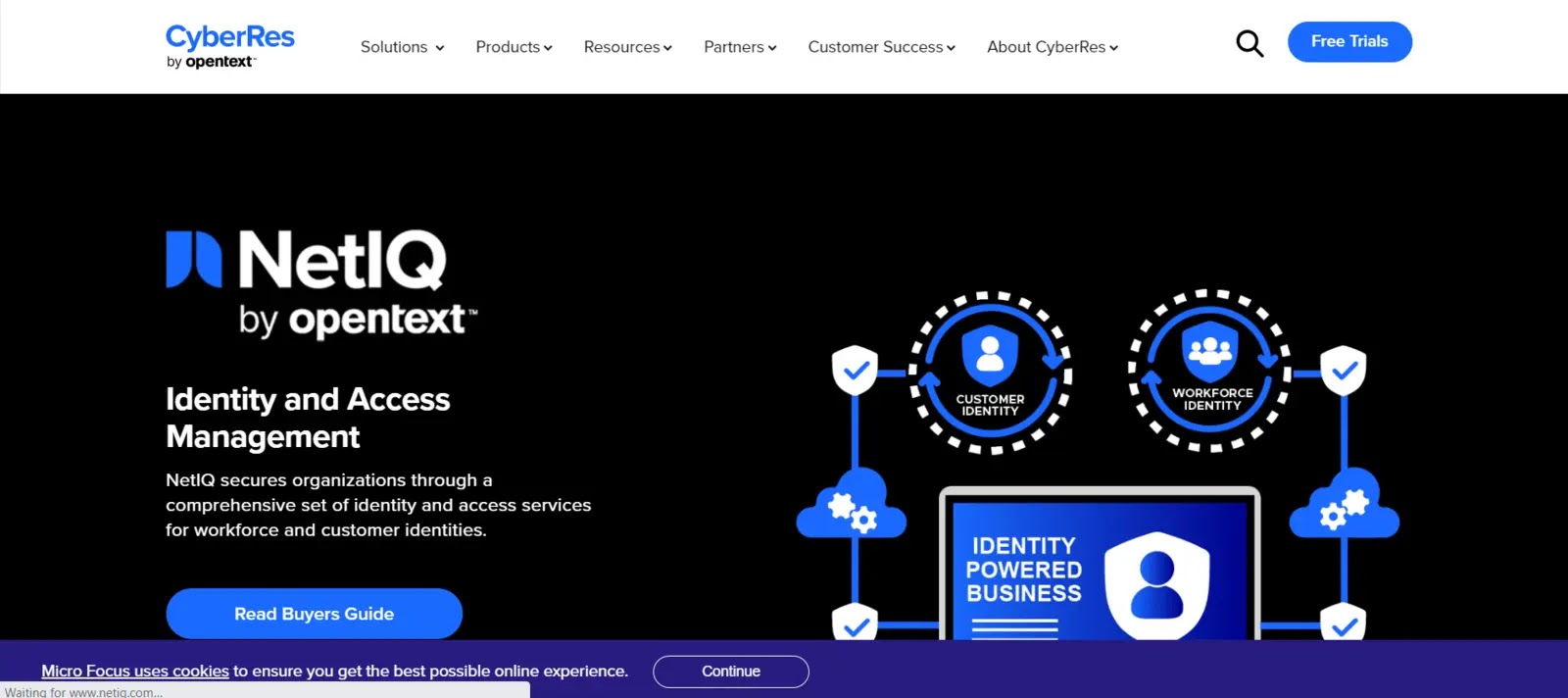
NetIQ IDM is a robust identity management platform that automates user provisioning and de-provisioning, ensuring unified access administration and a single identity for each user.
It simplifies compliance management and enforces policy controls to mitigate non-compliance risks. The software combines roles, identity, access management, workflow, policies, and reporting into a single product.
Key features include account and compliance management, single sign-on, user activity monitoring, and password management.
Pricing information for NetIQ IDM is private on the vendor’s website. NetIQ IDM offers automated processes for provisioning and de-provisioning system users, saving time and ensuring efficient user management.
NetIQ IDM offers automated processes for provisioning and de-provisioning system users, saving time and ensuring efficient user management.
Features
- NetIQ Identity Manager automates user provisioning and de-provisioning processes, enabling enterprises to manage user lifecycles more effectively.
- For access management, NetIQ Identity Manager supports RBAC models.
- It enables companies to create roles based on job responsibilities and the permissions that go with them.
- NetIQ Identity Manager provides self-service password management, allowing users to reset their passwords or unlock their accounts without requiring IT support.
Pros & Cons
| Pros | Cons |
|---|---|
| Automation of user provisioning | Lack of transparent pricing information |
| Unified access administration | Potential complexity during deployment |
| Compliance management |
NetIQ Identity Manager – Trial / Demo
15. Saviynt

Saviynt offers a comprehensive cloud-based identity governance and administration solution that goes beyond core identity governance. Their platform automates user access reviews, onboarding, offboarding, and lifecycle management.
It facilitates real-time or batch import of access and usage data from applications and provides violation recognition and remediation suggestions.
Saviynt also enables the development of rules and roles based on user data, attributes, and behaviors, offering valuable suggestions.
Saviynt takes a holistic approach to identity governance and administration, covering areas such as cloud security, application GRC, and access governance, providing a comprehensive solution for organizations.
Being entirely cloud-based, Saviynt’s platform offers the advantages of scalability, flexibility, and ease of deployment without the need for on-premise infrastructure.
Features
- Saviynt’s IGA capabilities enable enterprises to manage user identities, entitlements, and access privileges.
- Users can request access to applications and resources through Saviynt’s self-service access request portal.
- It works with organizations to implement RBAC frameworks to manage user access based on job titles and responsibilities.
- Its platform features SoD analysis tools for identifying and mitigating user access conflicts.
Pros & Cons
| Pros | Cons |
|---|---|
| Holistic approach | service interruptions or connectivity issues. |
| Cloud-based solution | Complexity for smaller organizations |
| Real-time access and usage data |
Saviynt – Trial / Demo
Wrap Up
When selecting an Identity Management Solution, assessing your organization’s security and compliance needs is crucial.
Consider different solutions’ specific features and capabilities to ensure they align with your security and compliance standards requirements.
Frequently Asked Questions
An identity management system prevents unauthorized access to systems and resources, helps prevent exfiltration of enterprise or protected data, and raises alerts and alarms when access attempts are made by unauthorized personnel or programs, whether from inside or outside the enterprise perimeter.
User authentication is essential to effective identity and access management best practices. After all, if you can’t guarantee a user is who they claim to be, you may be putting your data at risk and unintentionally allowing access to an unauthorized user.
With identity management, a company manages a user profile based on the user’s attributes. And, with access management, the decision to authorize or access the resources is provided. Identity and access management (IAM) controls and monitors all authorization, authentication, and control access.
The post 15 Best Identity & Access Management Solutions (IAM) in 2025 appeared first on Cyber Security News.


